Bills & Dues
Watch the tour
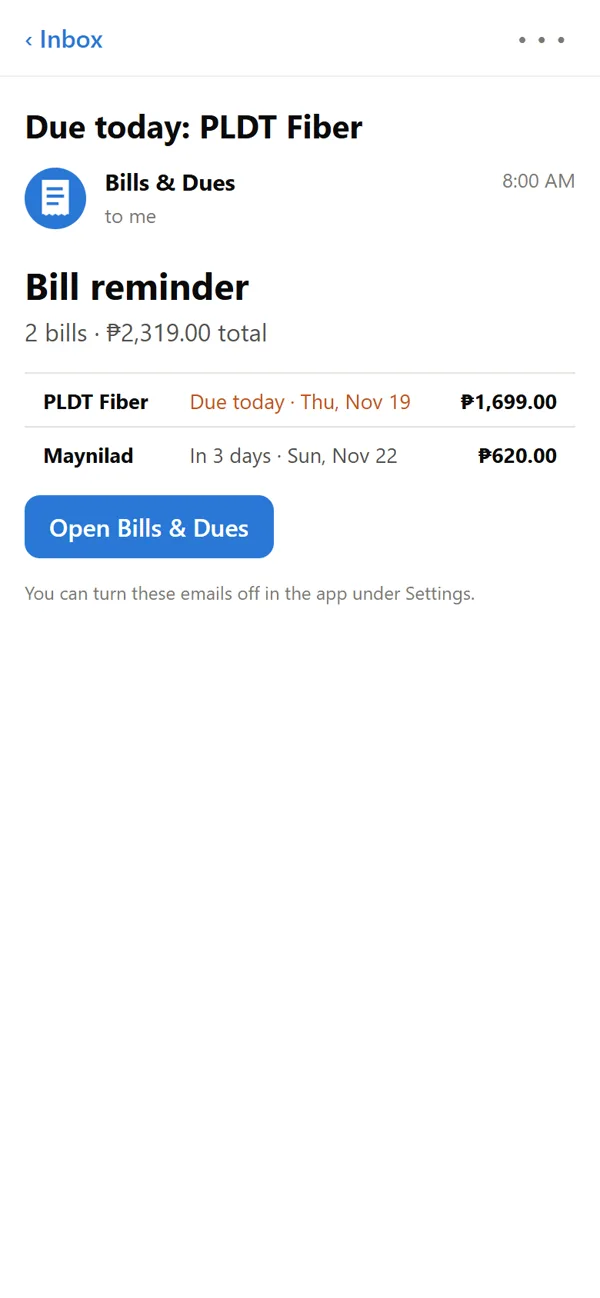
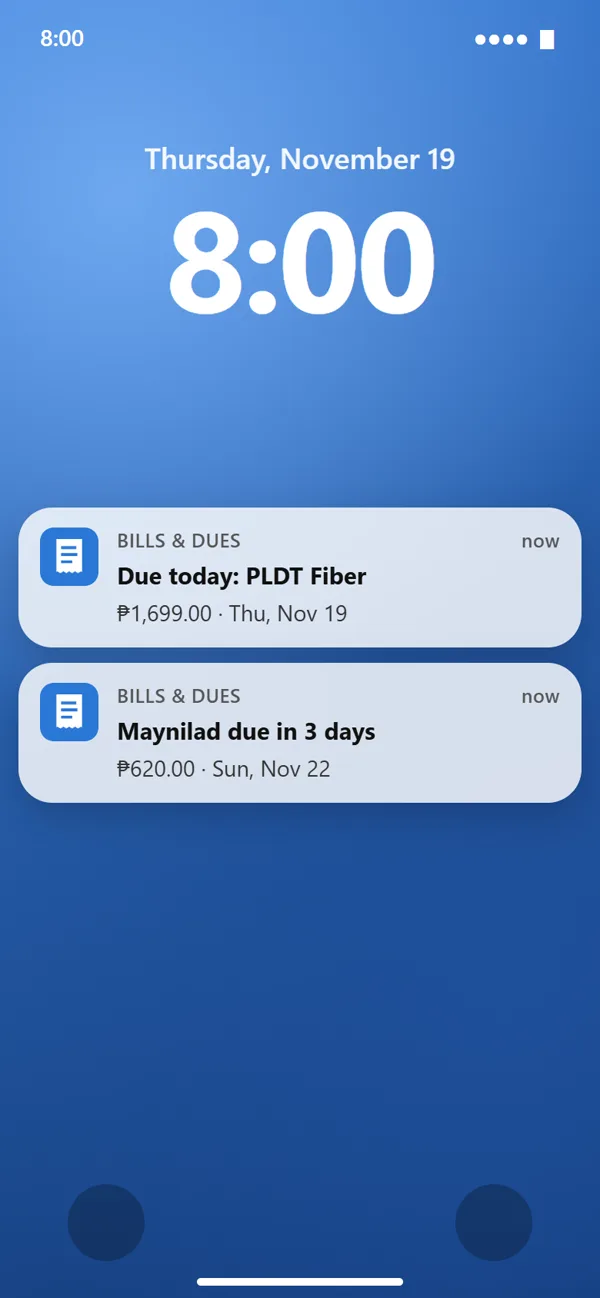
Meralco, Maynilad, the internet, the credit card, the rent. Bills & Dues keeps them all in one list you can share with your household, shows what needs paying this week, and reminds you by email and push notification 3 days before and on the due date.
Free to use. Works in your phone's browser; add it to your home screen like an app.
The latest update in under a minute.
Recurring bills roll over to the next due date by themselves, so after the first setup you only open the app when something is due.
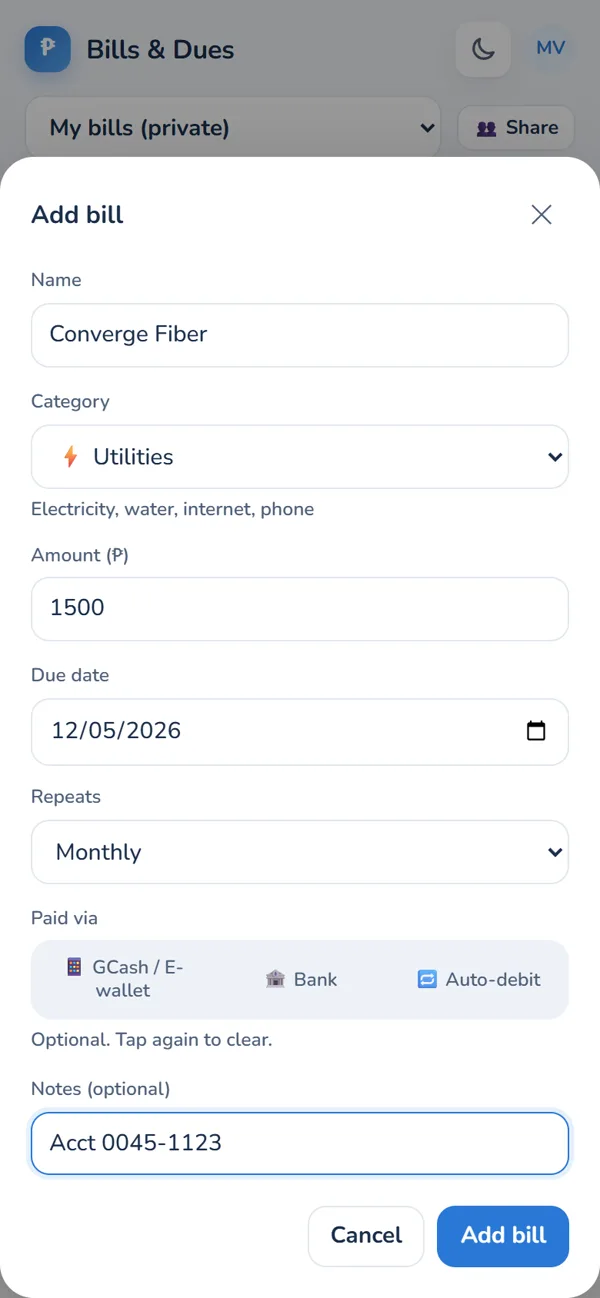
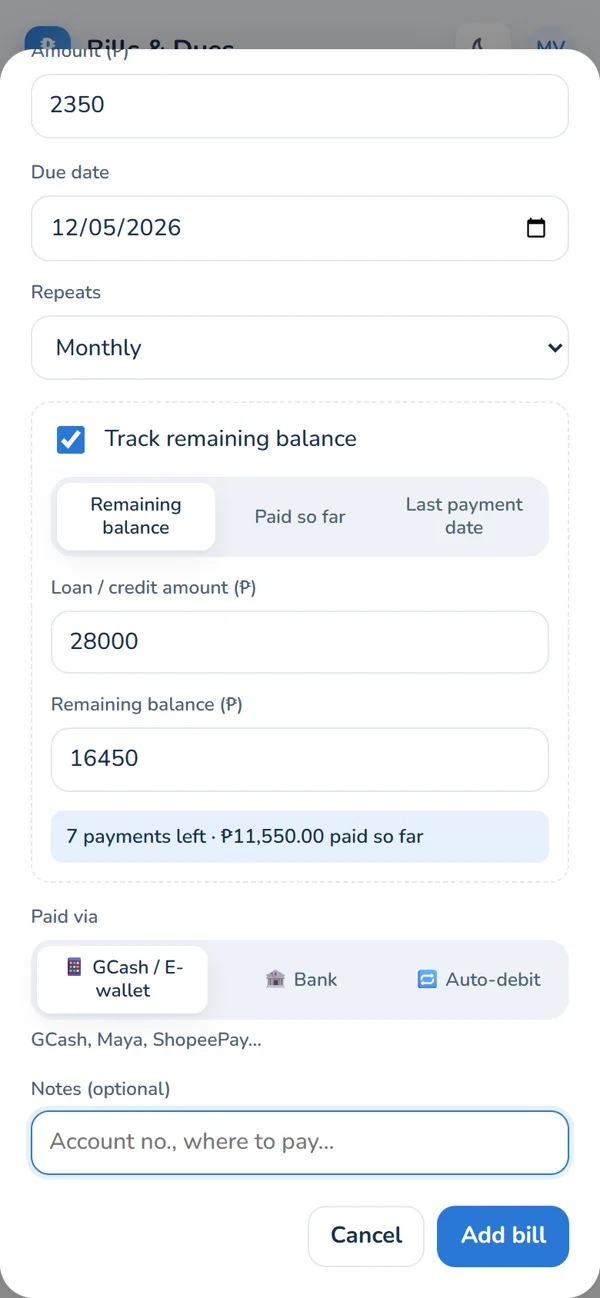
Pick a category and choose one-time, monthly, quarterly or yearly. For loans and credit cards, also enter the loan amount and what's left, and the app tracks the balance for you.


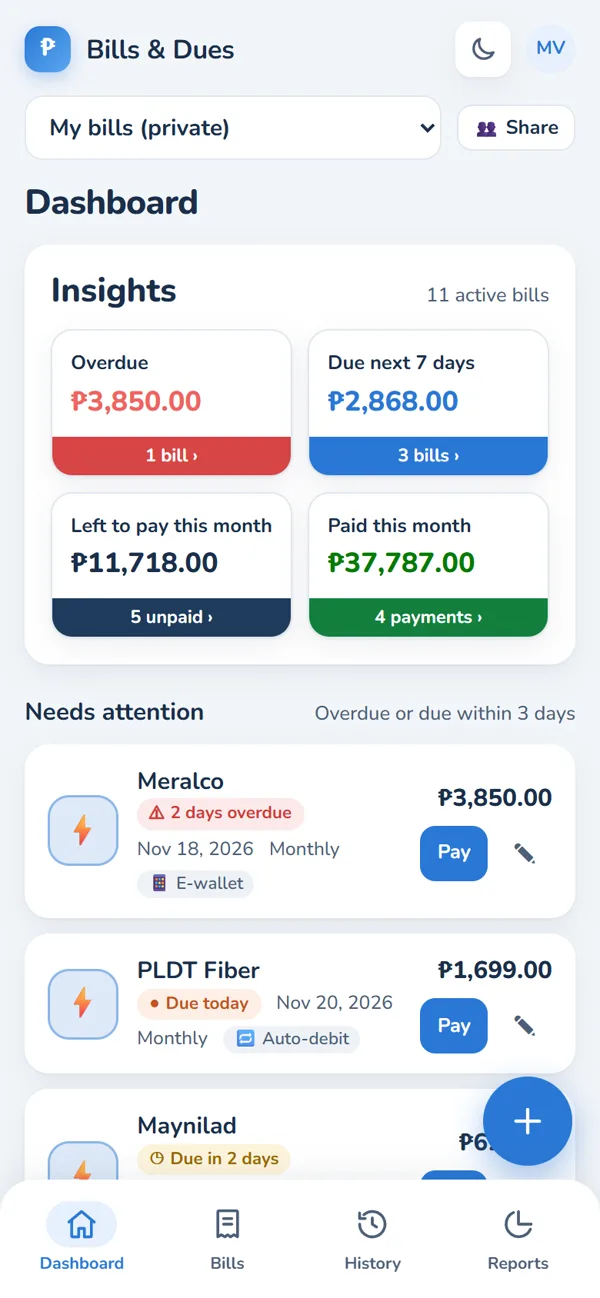
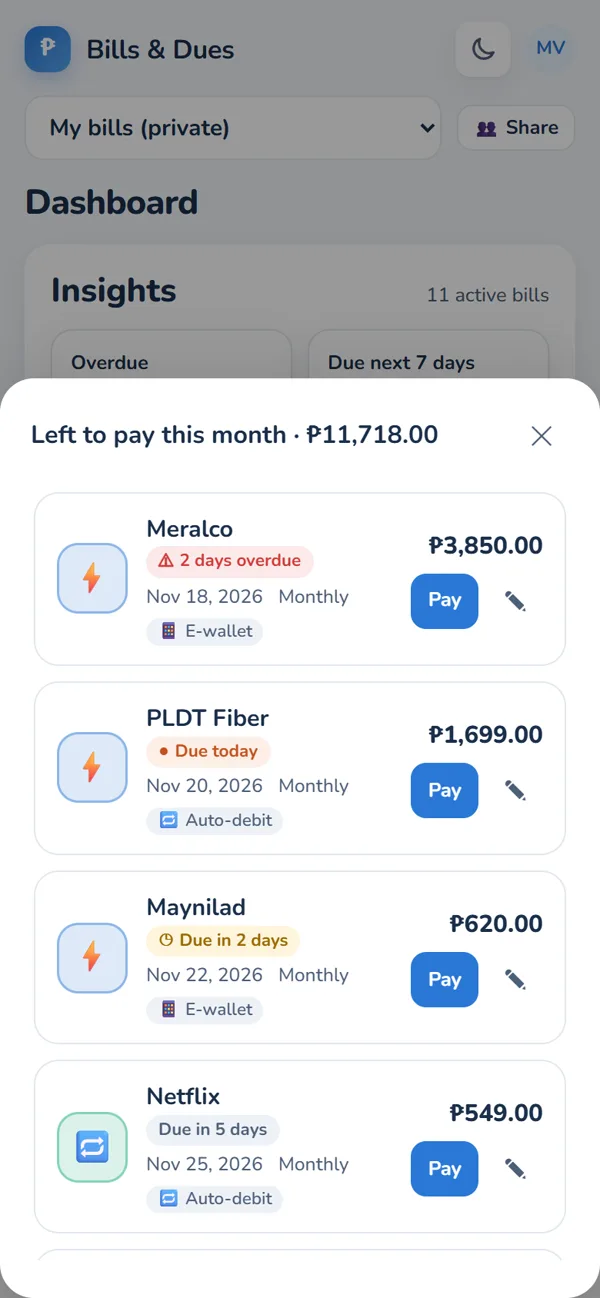
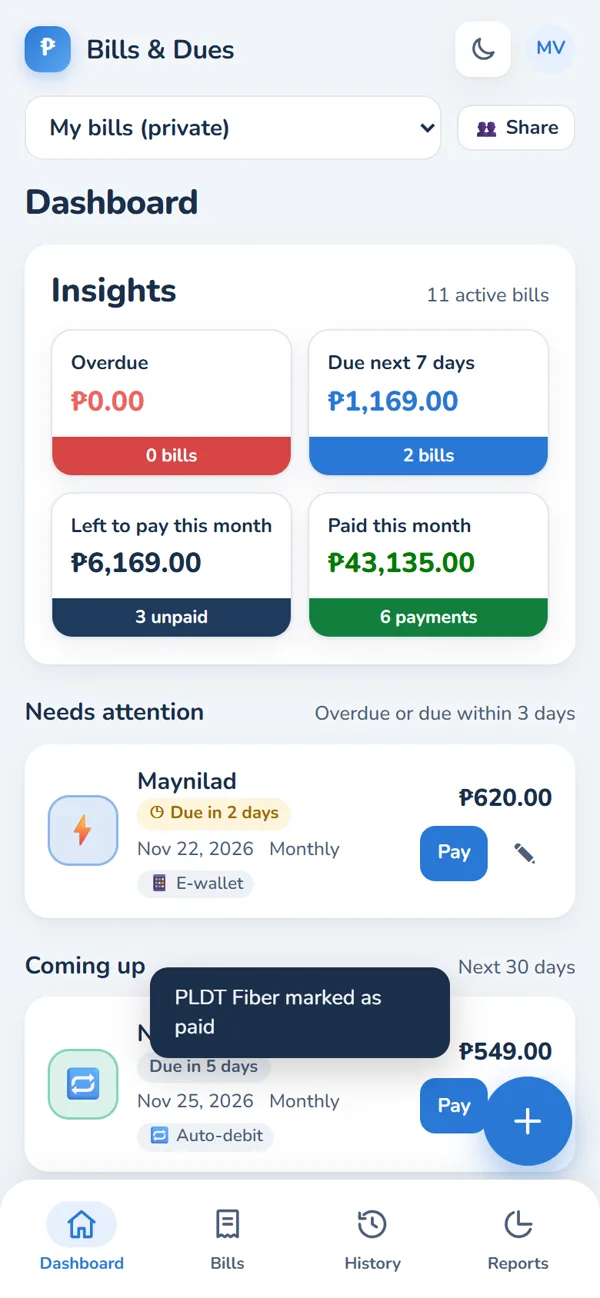
Four numbers up top: overdue, due in the next 7 days, left to pay this month and paid this month. Tap any of them to see the bills behind the number. Below, every bill that's overdue or due within 3 days, color coded, then everything coming up in the next 30 days.


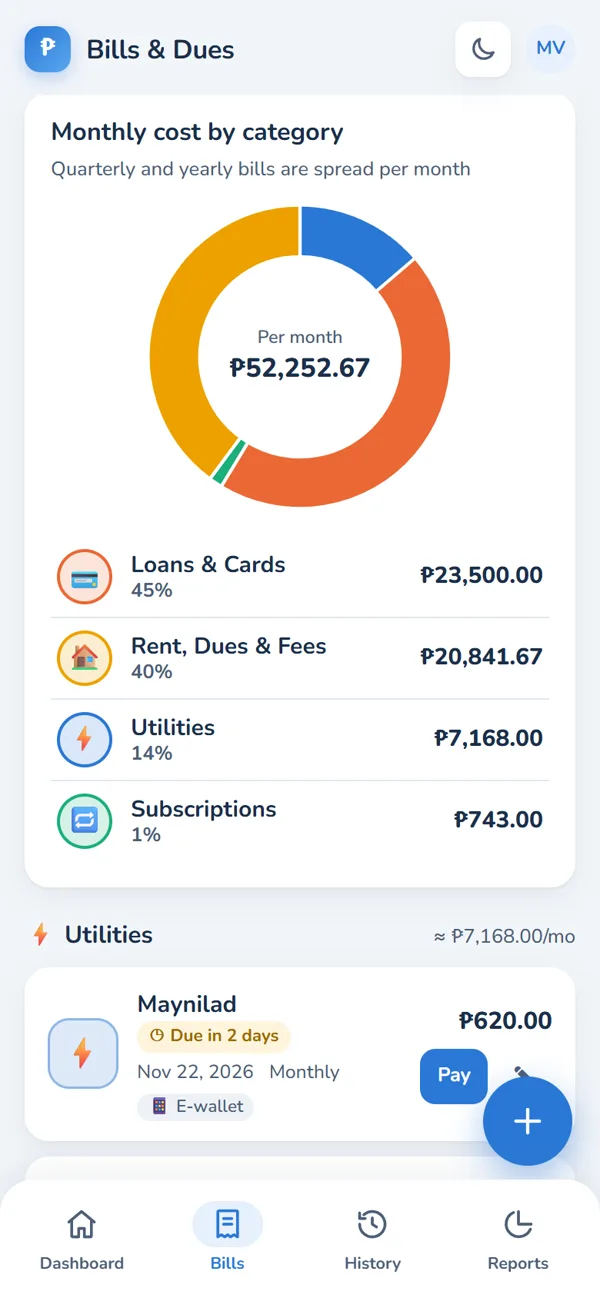
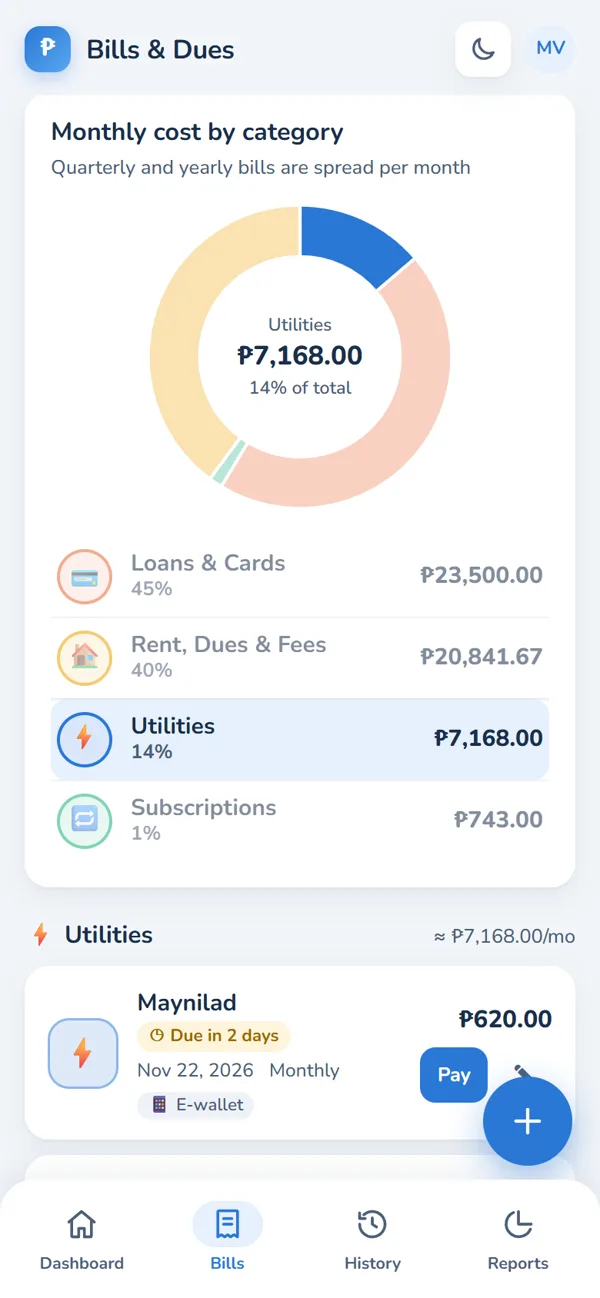
The Bills tab shows what each category costs you per month. Tap a category to see only those bills, and tap it again to see them all. Switch it to how bills are paid, and the chart follows.


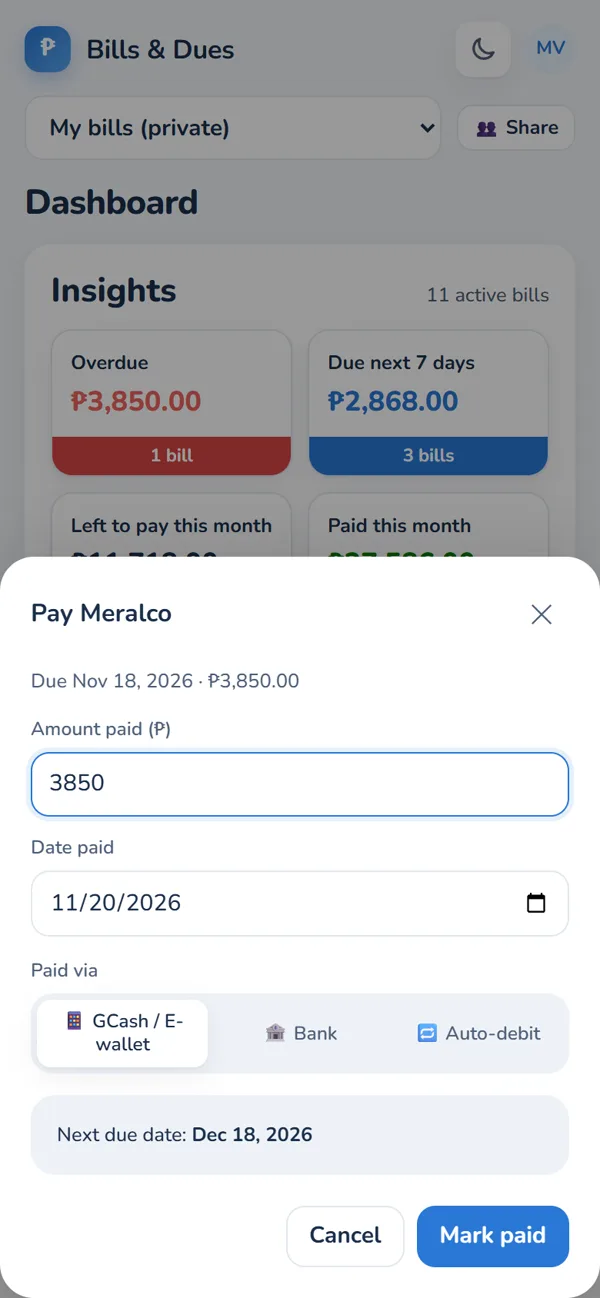
Tap Pay, check the amount, the date and how you paid (GCash, bank or auto-debit), and confirm. The payment goes into your history, a recurring bill moves to its next due date, and a loan's balance goes down.


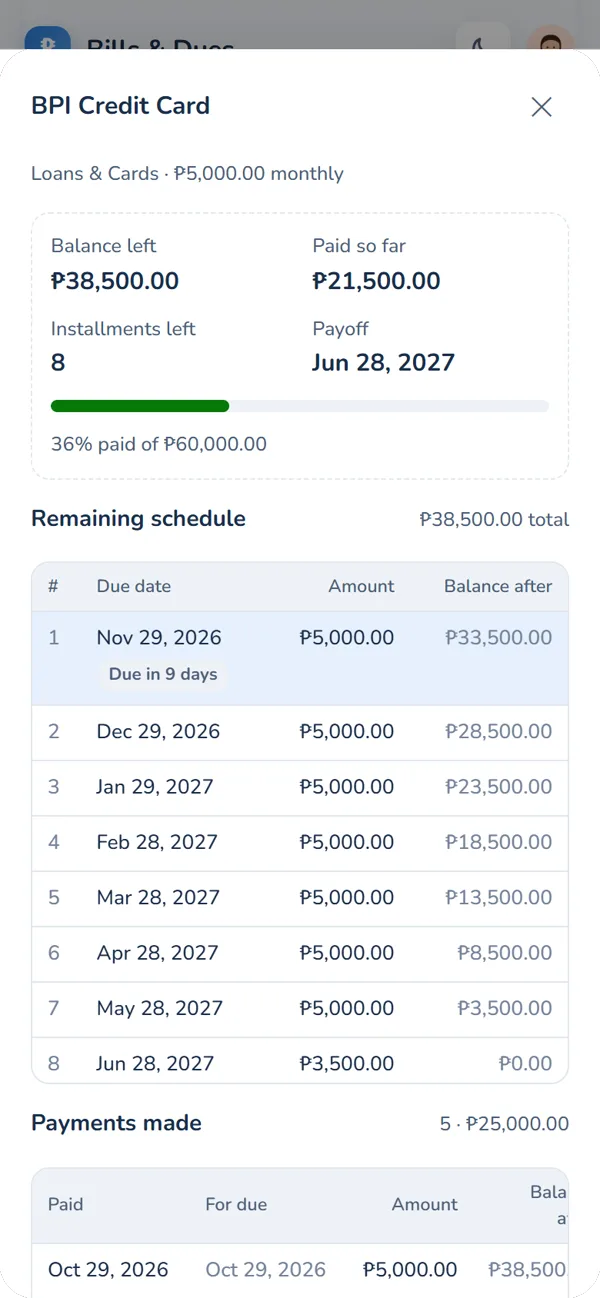
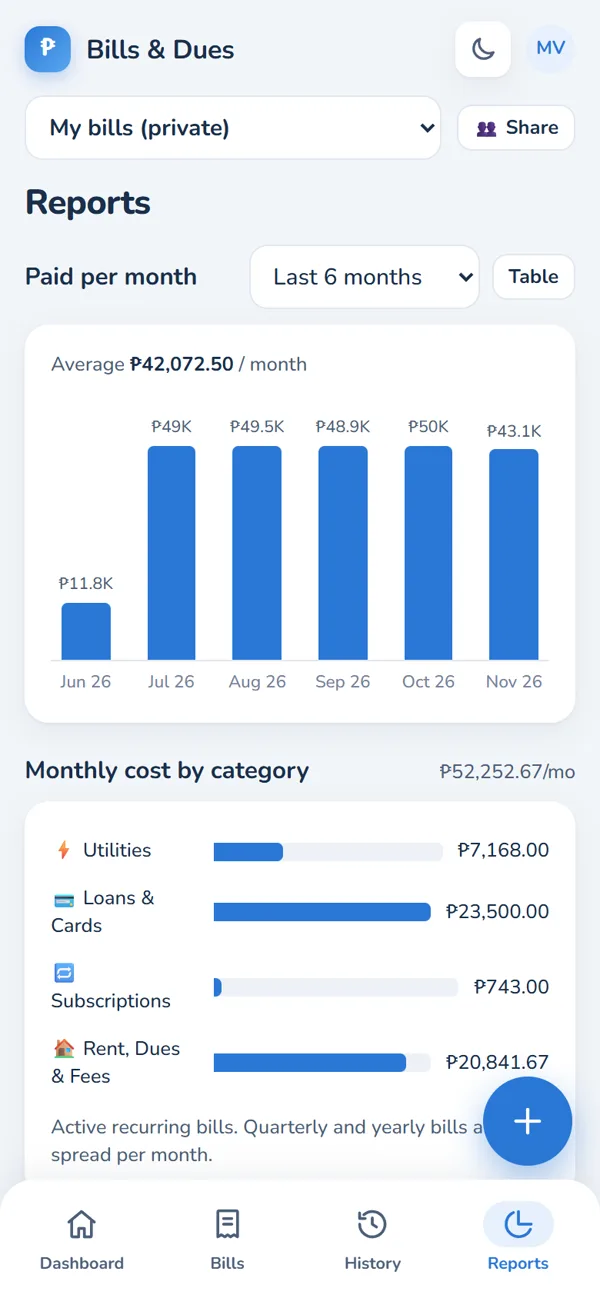
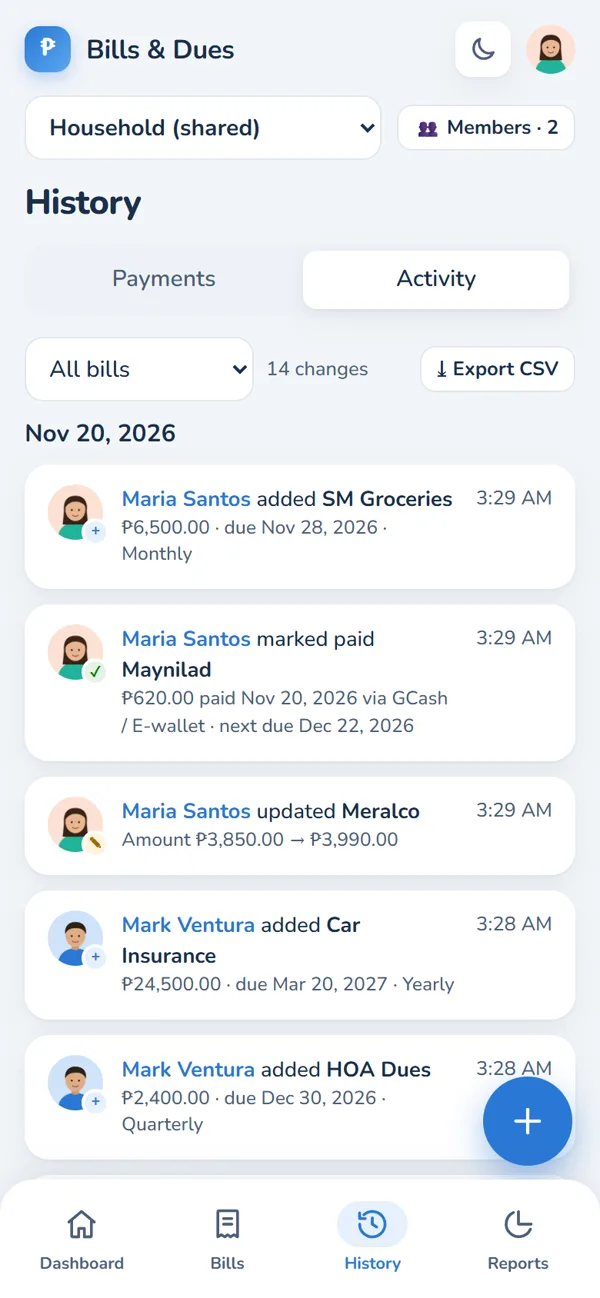
Tap any bill to see its balance, payoff date and the full schedule of remaining due dates. History keeps every payment, grouped by month, with late ones flagged. Reports show what you paid each month and what each category costs you. Export to CSV for Excel anytime.


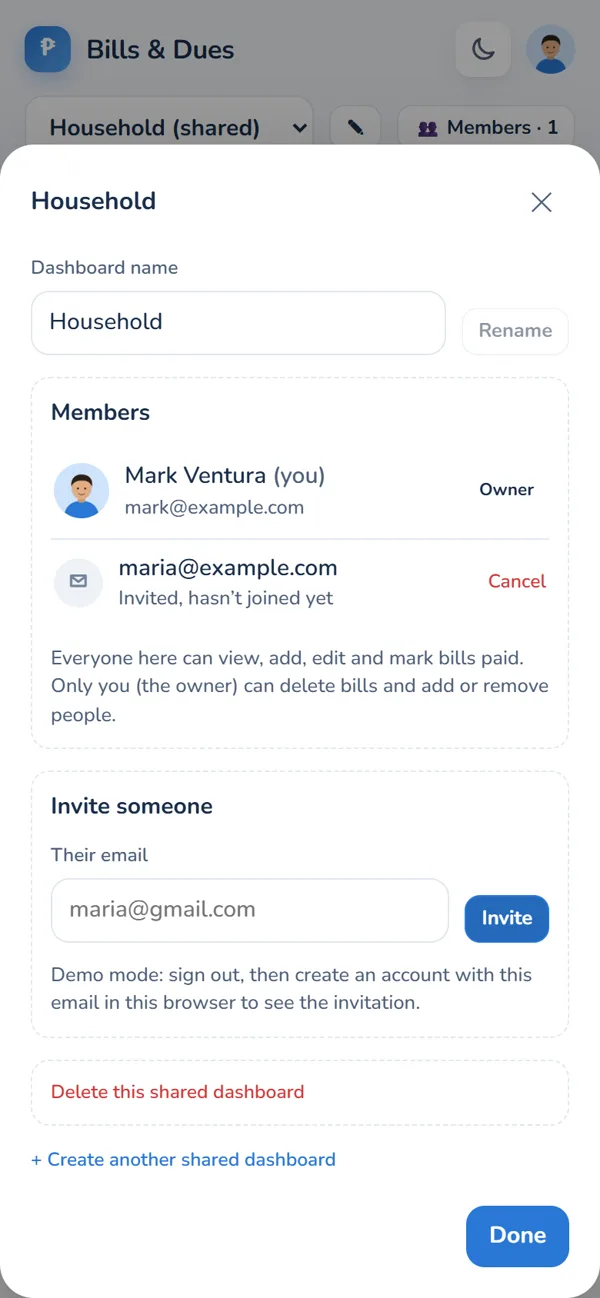
Create a shared dashboard, like “Household” or “Condo”, and invite family by email. Your private bills stay private.


A daily check runs every morning at 8:00, Manila time, even when the app is closed.


Open the app in Safari and a short guide walks you through it: tap Share, then Add to Home Screen. Open it from the new icon, and turn on reminders in Settings.
Amounts in ₱, with the monthly cost of each category. Quarterly and yearly bills are spread per month, so the total is honest.
See the balance left, the months to go, and the payoff date, for loans, credit cards and appliance installments. Don't know the balance? Enter what you've paid, or just the last payment date.
Add your own, like Pets or School, with an icon. Your own categories can track a remaining balance, for installments like a new appliance.
Delete a single payment, and when you delete a bill, choose whether to keep its payments so your totals stay right.
No app store. Add it from the browser and it opens like an app, with a badge for bills overdue or due today.
Tap the moon at the top for dark mode, or let it follow your phone's setting.
Bills & Dues was built from a short interview: what to track, how to be reminded, and what reports matter. The same goes for a tracker, booking system or dashboard for your own work.
In need of an app for your business, or thinking about one? Just DM me and let's discuss it.